 Markdown Studio
Open local files
Choose a Markdown file and work with it where you keep it.
Visual Markdown editing for local files—built to preserve unchanged source exactly and make risky saves clear before they reach disk.
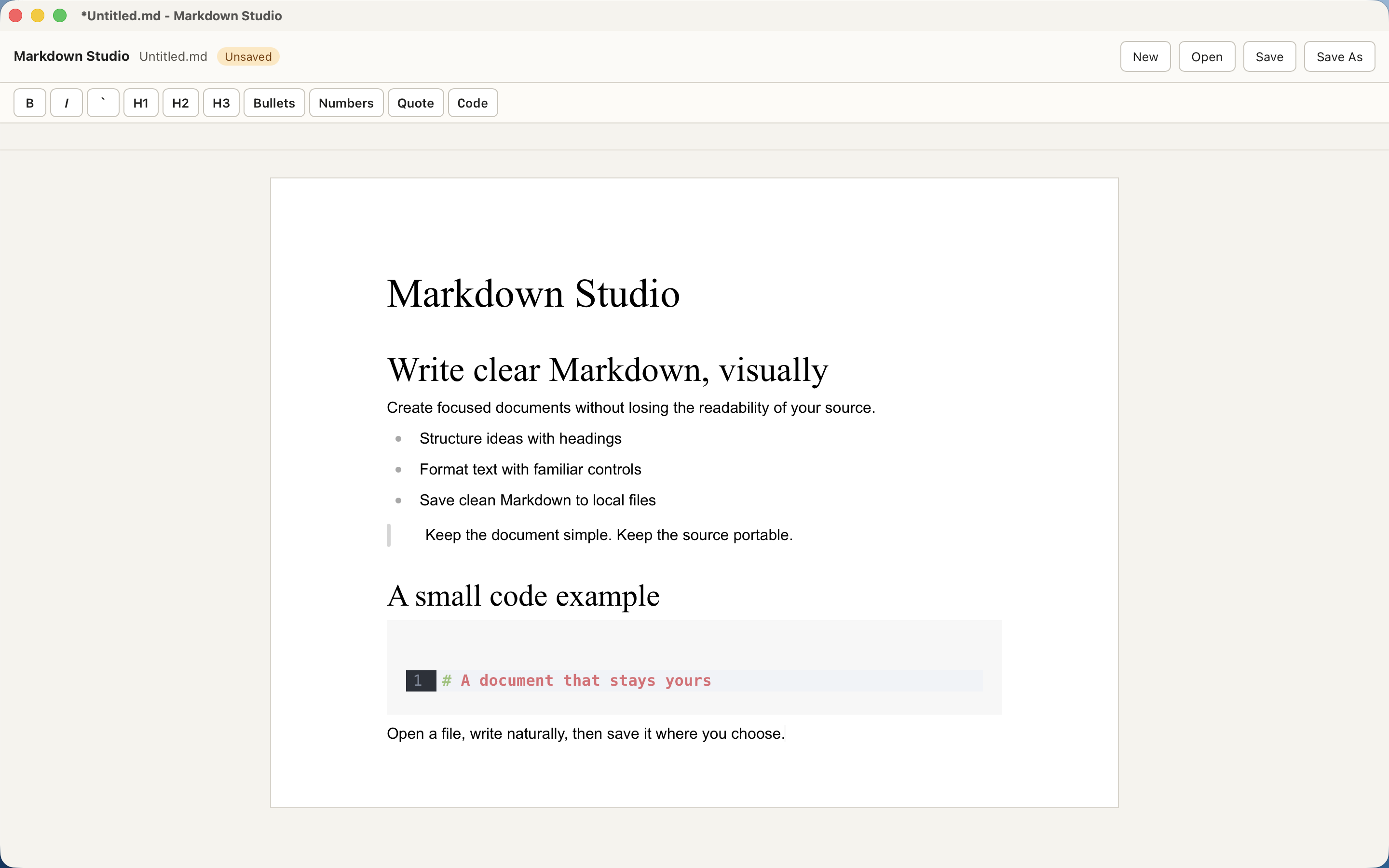
Choose a Markdown file and work with it where you keep it.
Write in a visual Markdown workspace with common formatting commands.
Preserve unchanged source exactly, protect compatible custom markup when safe, and get a warning before a potentially normalizing save.
Preserve your Markdown. Markdown Studio preserves the original source byte-for-byte when a document is saved without edits. Keep compatible syntax safe. It preserves compatible custom or unknown markup when an edit can be applied safely. Stay in control of risky saves. Otherwise, it warns before writing so you can cancel or explicitly choose Save Anyway.
Navigate matches, replace one or all, and undo replacements while visible document text stays in focus.
Use Command-click or Open Link for web, mail, headings, and linked Markdown files without turning the editor into a browser.
Core editor interactions and document reopening behave more consistently across everyday editing workflows.
Markdown Studio does not require an account, cloud sync, or a network connection for core editing. Your Markdown files stay on your device.
Markdown Preservation, Unknown Markdown Safety, and Safe Failure are visible product commitments. Choosing Save Anyway after a warning may normalize source formatting; the warning appears before that write.